




Detect Faces Automatically
Upload a photo and let blur.fish detect faces for you in seconds. Start with AI-powered suggestions instead of placing every blur area by hand.
Automatically find faces, choose who stays visible, and export privacy-safe images in minutes.
Available for Windows
Pick multiple images, scan for faces once, then apply the same blur rules across the set.
Get started4 appearances in 4 photos.





 Blur
Always blur this person
Blur
Always blur this person
 All processing is local. Your photos and data never leave your device.
Set rules per person
Spend less time checking every image
100% private. No uploads. No cloud
Upload, detect, refine, and switch covers fast.
Upload a photo and let blur.fish detect faces for you in seconds. Start with AI-powered suggestions instead of placing every blur area by hand.
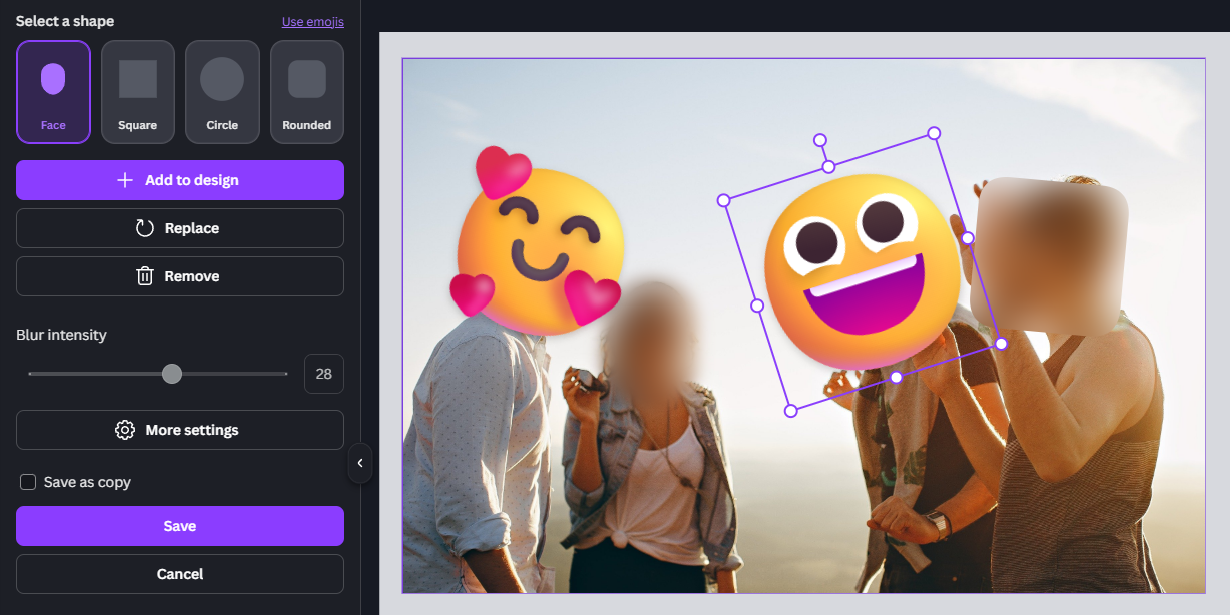
Fine-tune each detected face shape with simple controls. Move it into place, resize it, or rotate it until the coverage feels natural and precise.
Switch between square, rounded, and circle blur styles, or replace faces with emojis when you want a playful or branded look.

Start and choose the image you want to protect.
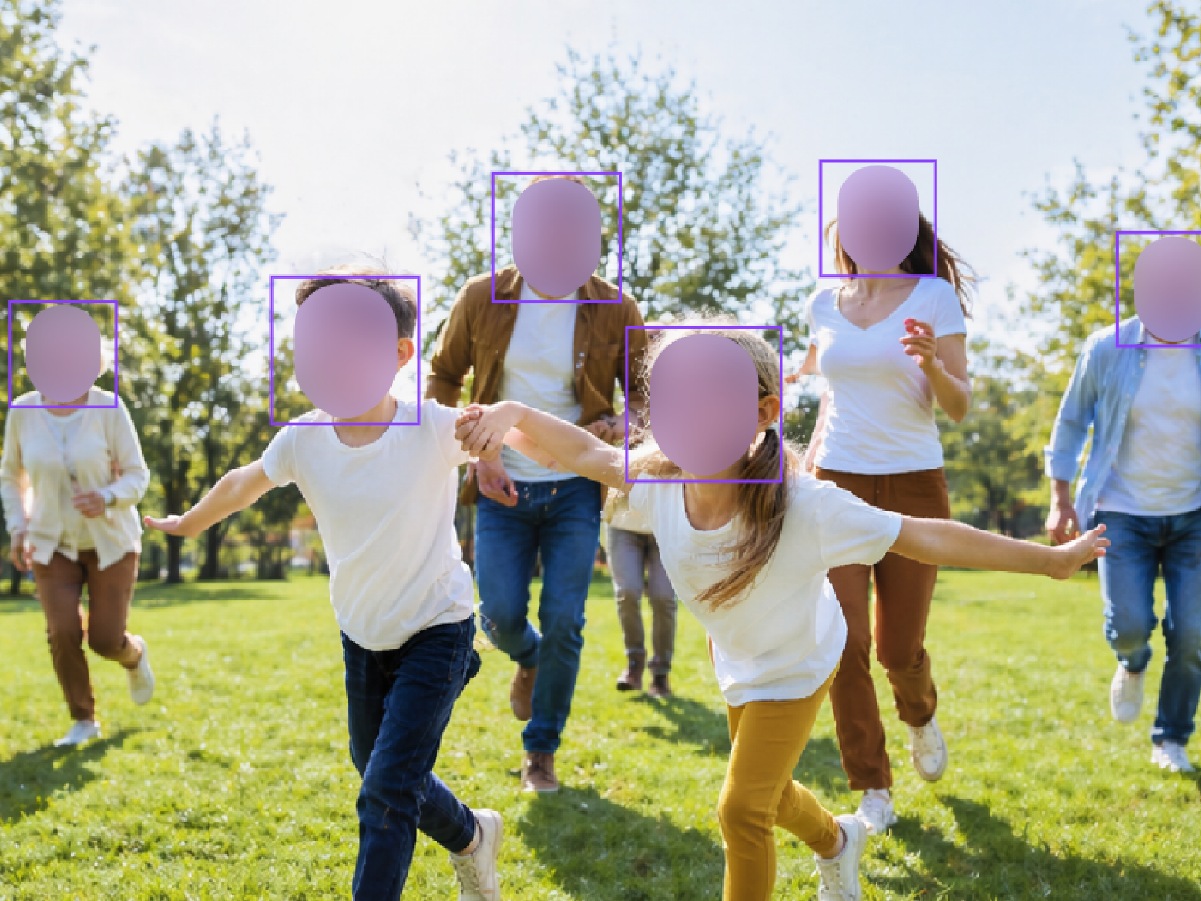
Check the detected faces, adjust the masks, and make sure coverage looks clean.
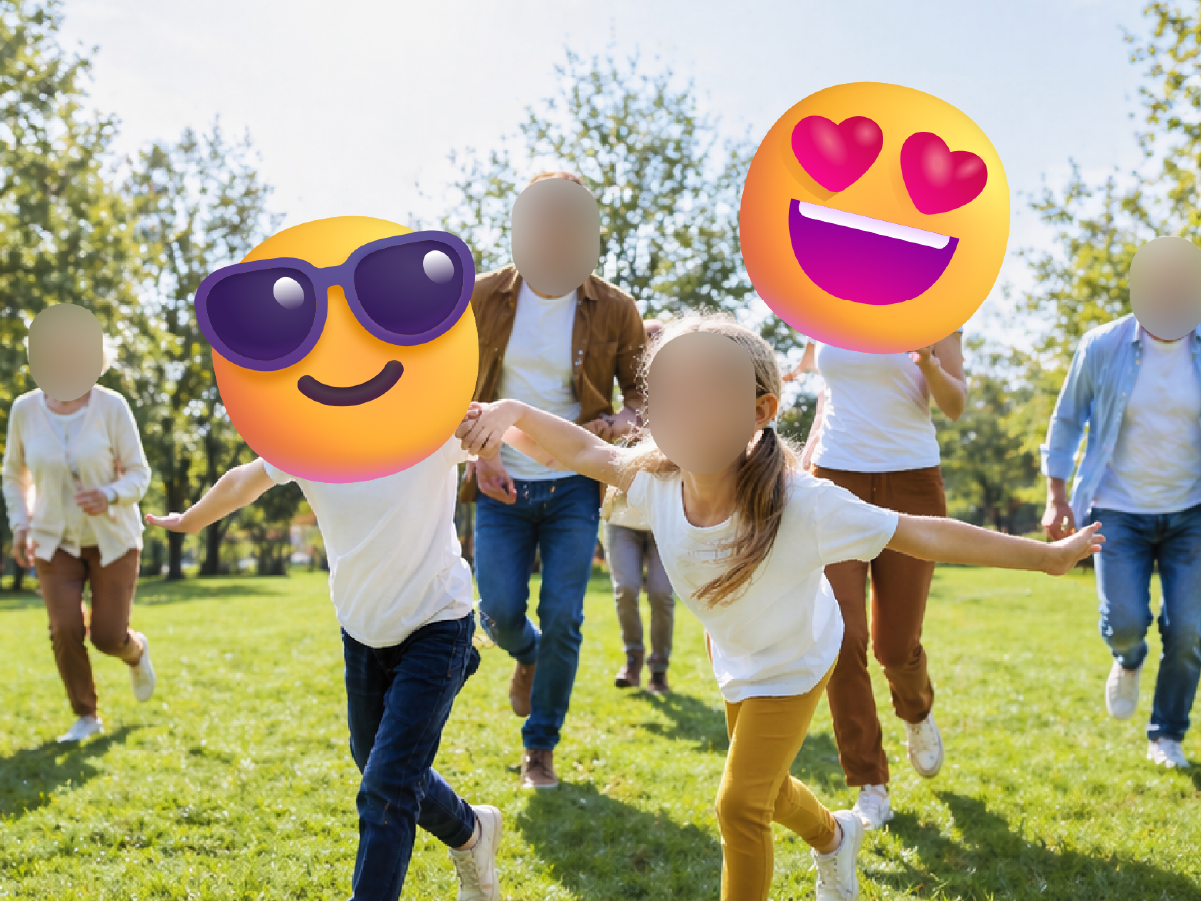
Choose a blur or emoji style, then export the finished image at full size.
Slide left and right to reveal the original photo behind each blurred face.
Don't just take our word for it. Here's what creators say after using Blur Fish.

“Automatic face detection gets me most of the way there, then I swap in the blur shape or emoji I want. It’s the fastest way I’ve found to prep creator content.”

“I upload a photo, Blur Fish finds the faces, and I can switch each one to a square, circle, or emoji in seconds. Exporting at the original file size is a huge plus.”

“For event photos, the auto-detected faces save me time. I can keep everything on-brand by replacing faces with clean blur shapes instead of messy edits.”

“I use the face mask option when I want a softer look and emojis when I want something more playful. Automatic detection means I’m not lining faces up by hand.”
“The square, circle, and rectangle blur options make mockups look polished fast. I also like that the export keeps the original file size for client handoff.”

“I only need face privacy, and this does exactly that. Auto detection plus quick shape swaps lets me finish selects without opening a heavier editor.”

“For community photos, I can detect faces automatically and replace them with emojis in a couple of clicks. It’s simple enough to use even when I’m moving fast.”

“I like that I can choose between a clean blur shape and an emoji depending on the post. Keeping the original file size on export makes publishing easier.”

“Listing photos sometimes catch people in the background, and Blur Fish fixes that fast. It finds the faces and lets me drop in a blur shape without reducing export quality.”
Use Face Blur directly inside Canva to privacy-proof images before publishing, sharing, or exporting.
Open in
Stay updated
Sign up to hear first about new features.
Open Blur Fish in Canva or download our batch processing tool and start blurring faces in seconds.